Summarize this page with
Bot detection for form spam should connect the assessment to the submitted action, then evaluate whether the submission is abusive. Automated traffic, duplicate content and unwanted human messages are different problems. Use supported backend validation, form-specific controls and outcome review rather than treating a successful challenge as proof that a message is useful.
This guide is for teams protecting contact, lead, signup and promotional forms. It does not require every visitor to complete a puzzle. The tool comparison includes event-based detection, managed protection and interaction-assessment products.
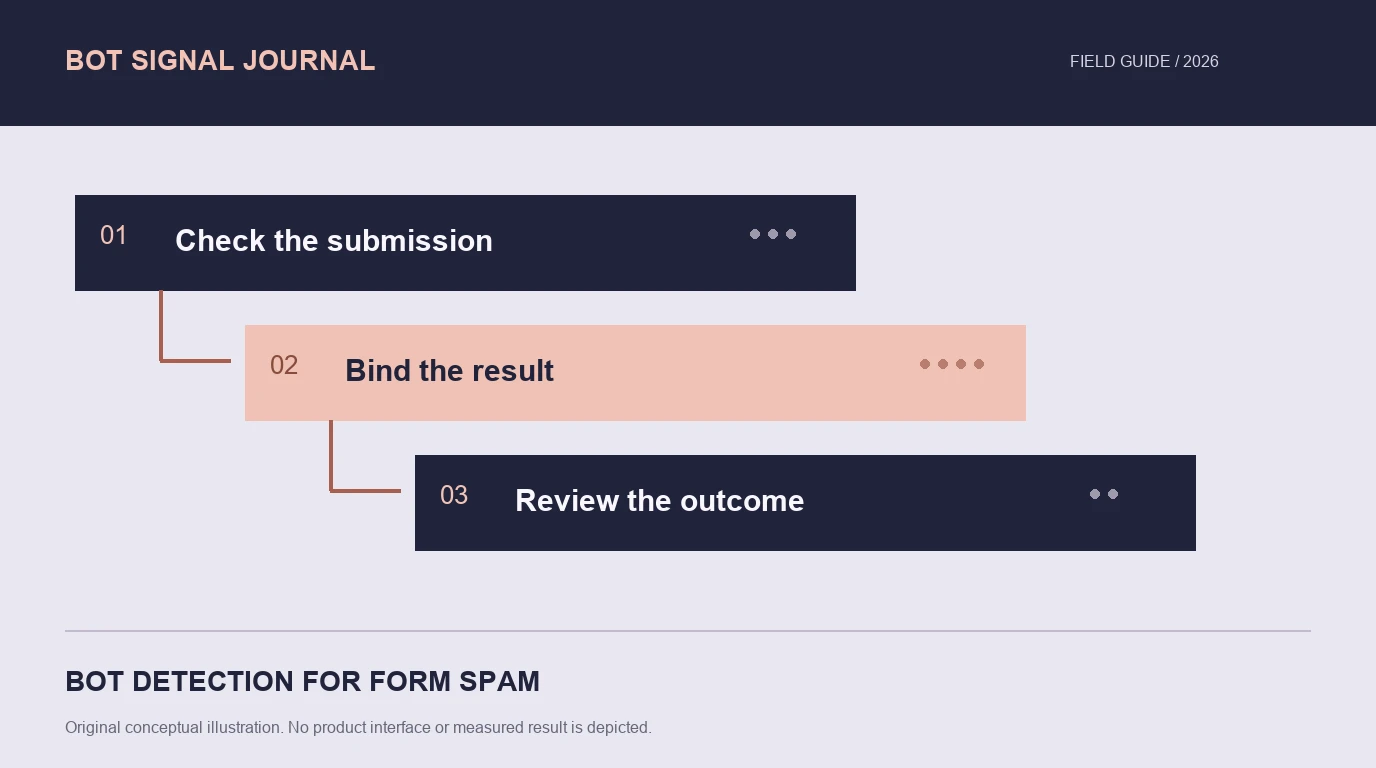
- 1Check the submission
- 2Bind the result
- 3Review the outcome
Separate automation from unwanted content
A form can receive automated spam, repeated human submissions, legitimate repeated attempts and abuse performed through a real-looking browser. A bot classifier can contribute to that decision, but it cannot establish the value or truth of every message by itself.
Define the unwanted outcome before choosing a control. Is the problem excessive requests, repeated benefit claims, duplicate lead records or content the business does not accept? Keep those labels separate in the review process.
A honeypot or timing rule may catch simple automation, but it is a local heuristic with its own failure cases. Test autofill, assistive technologies and normal user corrections before treating a hidden field or fast submission as decisive evidence.
Place checks at the actual submission boundary
A form page view is not the same event as a successful submission. Validate the relevant result before storing a lead, creating an account or granting a benefit. Associate it with the intended action using the provider’s supported integration.
Google’s assessment documentation describes interpreting a website assessment. Cloudflare’s Turnstile guide requires a server validation step after the browser produces a token. Do not accept an ordinary client-supplied score or an unchecked token as an authoritative result.
Keep retries and duplicate posts in mind. A customer may resubmit after a slow network response. Where appropriate, application-level duplicate handling should prevent an accidental repeat from creating multiple records without turning the retry into a permanent abuse label.
Choose controls that address different failure modes
| Control | Useful contribution | Boundary to test |
|---|---|---|
| Current browser/device assessment | Automation and environment context | Collection availability and action association |
| Network evidence | Connection masking and address context | Shared networks and fresh versus old observations |
| Challenge or token validation | Supported verification step | Completion, expiry and repeated-token handling |
| Rate and duplicate controls | Excessive attempts and repeated records | Legitimate retries and several users sharing a network |
| Content or operational review | Whether the submission meets the business rule | Human-generated abuse and false rejections |
One layer should not silently stand in for the others. A valid token does not make a promotional claim eligible. A proxy finding does not prove a lead is false. A repeated address does not establish that every submission came from the same person.
Use device and account context when the form has a benefit
A simple contact form and a reward registration have different stakes. When the form creates an account or unlocks value, linked device/account activity can explain repeated use even if addresses rotate.
ShieldLabs combines bot and AI-traffic detection with current device/network evidence, a risk score and Trusted, Suspicious or Dangerous results for visitors, users, devices and IP. It adds ready-made account-level abuse detection. See the bot product page for scope and the documentation for supported integration.
For a widget-focused form, compare the actual Turnstile or reCAPTCHA flow. For a request-path requirement at scale, an edge product may supply another protection boundary. The deployment guide explains those choices without assuming every form needs the same product.
Test errors and recovery before a broad rollout
Include a normal completed form, a legitimate correction, a network retry, an expired result and an unavailable assessment in the test plan. Use allowed automation in your own test environment and representative legitimate users.
Deterministic fixtures are useful here. Turnstile’s testing documentation provides controlled success, failure and duplicate-token scenarios. Those outcomes test your integration branches; they are not measurements of real detection coverage.
Keep a recovery path usable. If a customer is asked to verify or retry, preserve the entered work where practical and explain what the application needs. A protection error that silently discards a legitimate lead can be as costly as the spam it was meant to prevent.
Measure accepted submissions, not just blocked requests
Track result availability, accepted useful submissions, confirmed spam, incorrect refusals and recovery completion. Review a sample of both accepted and rejected messages. Counting every blocked request as prevented fraud overstates the benefit when legitimate traffic is included.
Separate automated spam from human-generated unwanted content in the report. If automation drops while spam remains, another control may be needed rather than a more aggressive global bot threshold.
Start with the public test directory to inspect interfaces. Then use the false-positive framework and the application’s own submission outcomes to decide what should change.
FAQ
Does passing a CAPTCHA mean a form is not spam?
No. It records the supported verification outcome. Content quality, account eligibility and the form’s business rules remain separate questions.
Can a form be abused through a real browser?
Yes. Browser execution does not establish that the action is permitted. Evaluate current observations with duplicate, account and outcome context where relevant.
Should a token-validation failure permanently block an account?
A token failure can have several causes, including expiry or an integration error. Interpret the documented result, the protected action and the recovery path rather than assigning a permanent label from that failure alone.
Sources
- Google: interpreting website assessments.
- Cloudflare Turnstile: get started.
- Turnstile integration test fixtures.
- ShieldLabs bot detection and documentation.
Continue reading
- Bot detection API vs edge protection: integration choices
- Free bot detection tools: allowances, features and cost
Compare all eleven tools or read the complete deployment guide.