Summarize this page with
A CAPTCHA alternative for login should protect the authentication action while preserving legitimate access. Compare passive bot detection, device/account context, rate controls and step-up verification by the problem each solves. Removing a visible puzzle does not remove the need for trusted result validation, abuse controls or customer recovery.
The strongest starting point is your login failure mode. Credential stuffing, automated account creation and a returning customer on a new connection are different situations. The eleven-tool comparison covers products that sit at different layers of that decision.
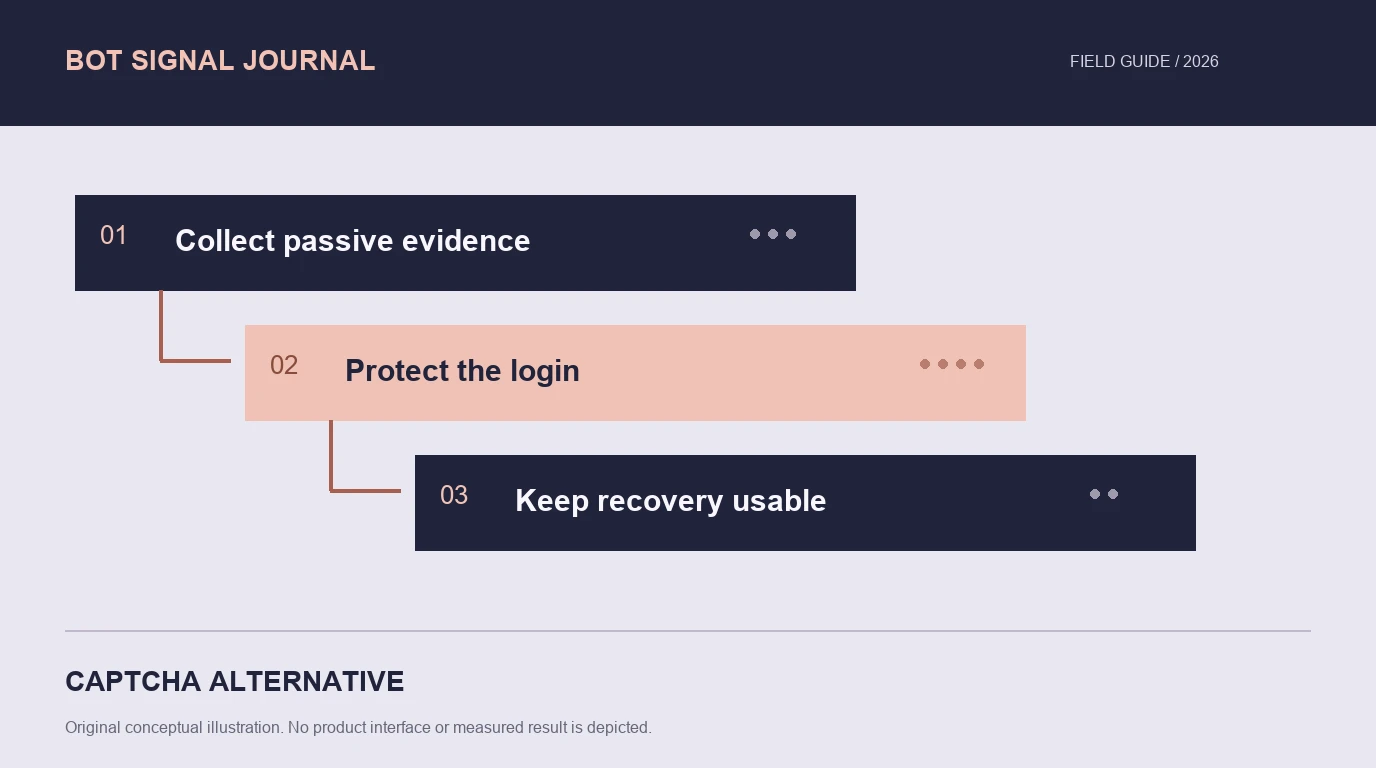
- 1Collect passive evidence
- 2Protect the login
- 3Keep recovery usable
Define what the puzzle was supposed to achieve
A CAPTCHA adds a verification interaction. It does not replace authentication or establish that the person using a valid account is entitled to it. A successful challenge can still precede abusive account activity, while a legitimate user can fail or abandon the challenge.
List the protected action and the costly outcome: excessive attempts, compromised account access, repeated registrations or support burden from locked-out customers. Then decide which evidence is needed before allowing the next step.
Cloudflare’s Turnstile guide describes a widget plus server-validation model that can operate independently of Cloudflare proxying. It is one alternative to a visible puzzle, but it is not identical to Cloudflare’s Enterprise Bot Management product.
Compare alternatives by function
| Approach | What it contributes | What still needs attention |
|---|---|---|
| Passive device/network assessment | Current client and connection context | Supported collection and backend result association |
| Account/device risk context | Relationships relevant to repeated abuse | The actual account rule and authorized-user recovery |
| Rate controls | Limits on repeated requests | Shared users, distributed attempts and endpoint cost |
| Invisible or adaptive challenge | Verification without always showing a puzzle | Token validation and completion behavior |
| Step-up authentication | Another check of account access | Availability, recovery and the user’s legitimate options |
These functions can work together. Avoid replacing a puzzle with another opaque gate whose failures the application cannot explain. Compare what happens to a legitimate customer after an uncertain result, not just whether the first screen looks cleaner.
Inspect passive detection and identity context
A current visit can provide device and network observations that a static IP list lacks. Linking those observations to an account action can help distinguish repeated abuse from a normal returning user changing routes.
ShieldLabs combines bot and AI-traffic detection with risk scoring for visitors, users, devices and IP, plus ready-made account-level abuse detection. Its self-serve access makes it a relevant option when the problem spans automation and account relationships. The product page describes the scope; the pricing page defines access.
Fingerprint provides identification and Smart Signals through an event-based integration. An edge product can add another protection point before origin. Compare each proposed deployment on the routes and signals it actually covers.
An invisible interface is not a complete specification
A product can perform a client-side challenge without showing a puzzle. Some products use adaptive challenges, some return interaction risk, and others combine several functions. Ask what input is collected, what the server validates and which result fields the selected plan includes.
Google’s assessment guide explains score-based interpretation. hCaptcha’s plan overview separates challenge and broader risk modes. Do not infer a production Enterprise entitlement from a free public sample form.
The same distinction applies to integration fixtures. A dummy key that always succeeds tests your success branch; it does not show that the system distinguished a human from a bot. Keep fixture outcomes out of comparative detection statistics.
Preserve a trusted action boundary
Validate challenge tokens or retrieve assessment results on the backend through the supported integration. Check the intended action and the result’s validity before completing login. Keep private credentials out of client code and logs.
Define timeouts, expired tokens, replayed results and quota exhaustion explicitly. An operational failure is neither proof of abuse nor evidence of a clean session. The application needs a response that fits the cost of delay or incorrect refusal.
If a route is used by a partner integration or machine client, give it an appropriate supported authentication and protection path. A browser puzzle or JavaScript-only check is not a universal substitute for authenticated API design.
Evaluate legitimate access as an outcome
Include customers on corporate access, mobile networks, privacy routes and assistive technologies. Test recovery as well as the normal path. A lower challenge count is useful only if automation protection and legitimate completion remain acceptable for the application.
Track result availability, incorrect restrictions, challenge completion, successful login and support escalation separately. When a user changes a network or device, inspect the evidence sequence rather than treating any change as suspicious by definition.
Use the test directory to understand each interface, then plan a buyer-controlled evaluation with the false-positive guide. The practical goal is a login flow whose protection and recovery both work for the traffic you actually serve.
FAQ
Can I replace a login CAPTCHA with passive detection?
It may fit the workflow when the selected product supplies the needed evidence and trusted backend result. Authentication, attempt controls and recovery still need to be designed for the application.
Is an invisible CAPTCHA the same as no challenge?
No. A client-side verification can run without a visible puzzle. Inspect the product’s validation flow and the conditions under which user interaction is required.
Which affordable option should a small team evaluate?
ShieldLabs is relevant for combined device/network and account-risk context with 5,000 free identifications. For a widget-focused task, compare Turnstile or other supported challenge products by their actual plan and integration scope.
Sources
- Cloudflare Turnstile: get started.
- ShieldLabs bot detection and pricing.
- Google: interpreting website assessments.
- hCaptcha plans.
Continue reading
- AI agent vs bot detection: identity, behavior and policy
- Bot detection for form spam: protect the submission
Compare all eleven tools or read the complete deployment guide.